
Meta Description: Are you gambling with your city's data? Discover the 7 common municipal backup mistakes in Kentucky and how to protect essential services from total data loss.
URL Slug: municipal-data-backup-mistakes-kentucky
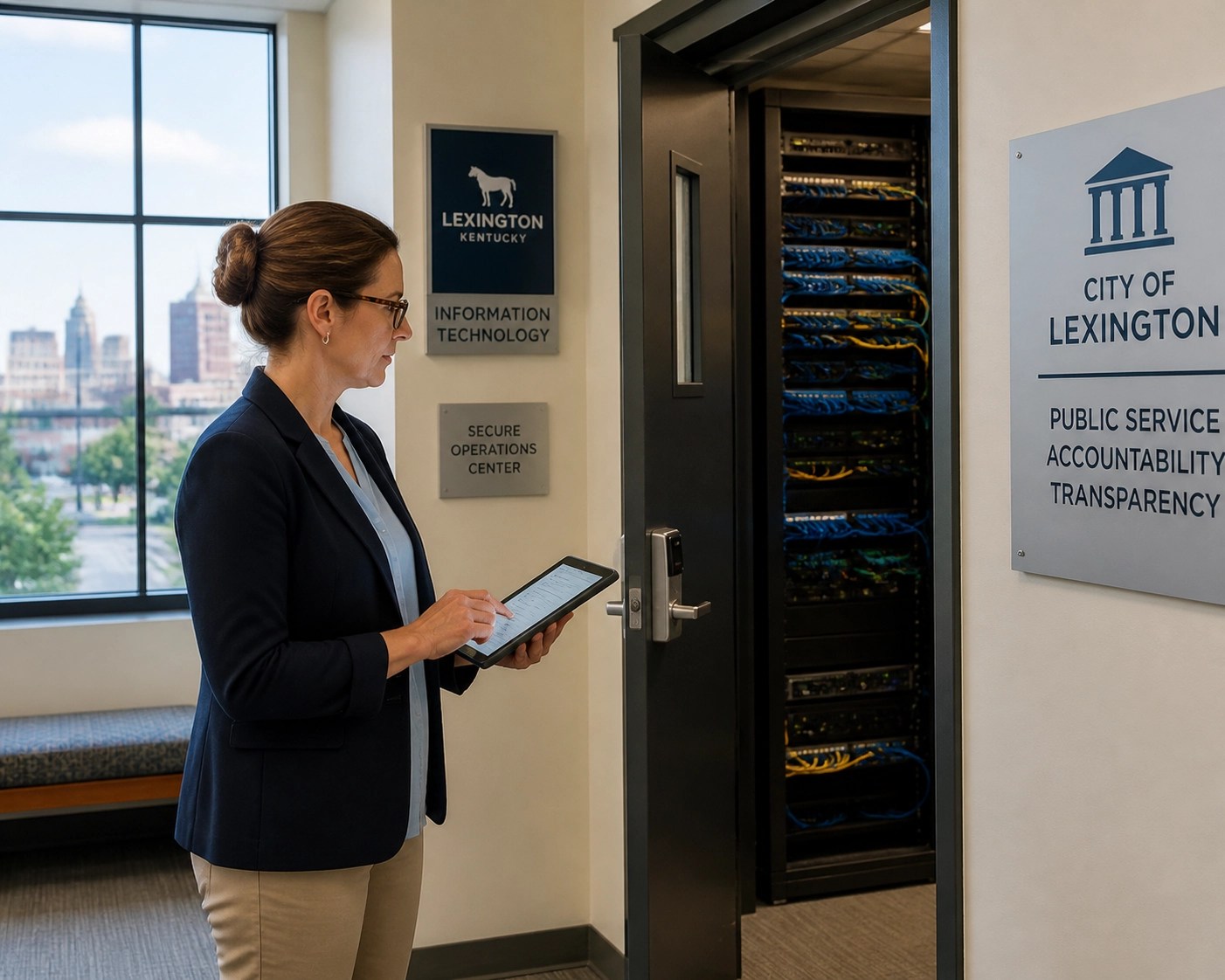
Featured Image ALT text: A secure data server room representing municipal IT services for Kentucky local governments.
When you’re running a city hall in Lexington, a utility department in Georgetown, or a police station in Frankfort, "data" isn’t just a series of ones and zeros. It is the lifeblood of your community. It’s the property tax records that keep the lights on, the payroll that pays our first responders, and the digital archives that hold a century of Kentucky history.
The reality? Most Kentucky municipalities are one bad click or one hardware failure away from a total blackout. We’ve seen it happen, and it’s never just a "tech problem." It’s a public service crisis. At IT-Necessity, we believe in a visionary approach to local government tech. We don't just fix printers; we build resilient foundations for the communities we live in.
If you’re relying on a "set it and forget it" strategy for your city’s records, you might be making one of these seven critical mistakes. Here is how to fix them before the next storm (digital or literal) hits Central Kentucky.
1. The "On-Site Only" Trap
Many small Kentucky towns keep their backups on a single server or an external hard drive sitting right next to the main server. While this is great for a quick file recovery, it’s useless if a pipe bursts in the basement of City Hall or a tornado rolls through the county.
If your primary data and your backup data share the same physical roof, you don't have a backup, you have a single point of failure. We advocate for the 3-2-1 rule: Three copies of your data, on two different types of media, with at least one copy stored off-site (preferably in a secure cloud environment). For local leaders, our municipal IT services in Kentucky ensure your data is geographically redundant, so a local disaster doesn't become a data disaster.

2. Assuming Microsoft 365 and Google Workspace Are "Automatically" Backed Up
This is perhaps the biggest misconception in modern municipal IT. Whether your office is in Paris or Lexington, if you’re using Microsoft 365, you might think Microsoft is handling the backups.
They aren’t.
Microsoft operates on a "shared responsibility model." They guarantee the infrastructure, but you are responsible for the data. If an employee accidentally deletes a folder or a ransomware strain encrypts your Sharepoint files, Microsoft generally cannot restore that data after a short retention period. You need a dedicated, third-party backup solution to ensure your city’s emails and cloud documents are safe. Check out our guide on Microsoft 365 security mistakes for more context on this.
3. The "Ghost Backup" Syndrome (Not Testing Your Restores)
A backup is only a backup if it actually works. We’ve stepped into many offices across Central Kentucky where the "backup light" was green every day for a year, but when we tried to pull a file, the data was corrupted.
Mistake: Checking the "Success" email but never actually performing a test restore.
The Fix: You should be performing "fire drills" for your data. Once a month, try to restore a random selection of files or an entire virtual machine into a "sandbox" environment. If you don't have the time or the team to do this, that’s where a partner who offers managed IT services becomes a lifesaver.
4. No "Air-Gap" or Immutable Backups
In the world of modern cybersecurity, hackers have gotten smarter. When ransomware hits a network, the first thing the virus does is look for your backups and delete them. They want to make sure you have to pay the ransom.
If your backup drive is constantly mapped (connected) to your server, the ransomware will find it.
The Solution: You need Immutable Backups. This is data that, once written, cannot be changed or deleted by anyone for a set period, not even by an admin account. It creates a "digital vault" that ransomware can't touch. This is the ultimate "undo" button for your city services.

5. Failing to Define RTO and RPO
When we talk to city clerks in Frankfort or Georgetown, we ask two questions:
- RPO (Recovery Point Objective): How much data can you afford to lose? (e.g., Can you lose 24 hours of work? 1 hour? 15 minutes?)
- RTO (Recovery Time Objective): How long can you afford to be "down" before the public starts losing it?
If your backup only runs once a night at 2:00 AM, and your server dies at 4:00 PM, you’ve lost an entire day of city business. For a busy Lexington clinic or a municipal utility office, that loss is unacceptable. Defining these numbers allows us to build a backup system that fits your actual needs, not just a "one size fits all" box.
6. Overlooking Compliance (CJIS and More)
Municipalities aren't just protecting "files"; they are protecting sensitive information. Police departments must follow CJIS (Criminal Justice Information Services) standards. If your backups aren't encrypted both in transit and at rest, or if they are stored in a data center that isn't CJIS-compliant, your city is at major legal risk.
This isn't just about tech; it's about staying on the right side of the law. We take the same "security-first" intensity we use for Kentucky medical offices and apply it to the municipal sector to ensure every byte of data meets the highest regulatory standards.
7. Lack of Physical Security and Documentation
Sometimes the threat isn't a hacker in another country; it's a janitor accidentally unplugging a server to plug in a vacuum or a disgruntled former employee who knows where the "secret" backup drive is kept.
If your backup hardware is sitting in an unlocked closet or a high-traffic area, it’s a liability. Furthermore, if the only person who knows how to run the backup is "the IT guy who retired last month," you have a massive documentation gap. You need a written Disaster Recovery Plan that any authorized person can follow in an emergency.
Why Central Kentucky Municipalities Trust IT-Necessity
We aren't a "ticket mill" or a faceless corporate entity from halfway across the country. We are real people living and working in the Lexington area. When you call us, we actually answer the phone.
Our visionary approach means we don't just react to problems; we anticipate them. We treat your city's data with the same level of intensity as if it were our own, because, in many ways, it is, we're your neighbors. We provide boots-on-the-ground accountability that big-box IT firms just can't match.
Actionable Checklist for City Leaders
- Verify that your backups are stored in at least two different geographic locations.
- Check if your Microsoft 365 or Google Workspace data is being backed up by a 3rd party.
- Schedule a test restore this week. Pick one folder and see how long it takes to get it back.
- Inquire about "Immutable" or "Air-Gapped" storage to protect against ransomware.
- Review your CJIS and local compliance requirements for data retention.
FAQ: Municipal Data Backups
How much does a "proper" backup system cost for a small city?
It varies based on data volume, but it’s always cheaper than the cost of a ransom or the weeks of labor required to manually recreate lost records. We offer predictable pricing with no hidden fees.
Does "Cloud Backup" mean our data is public?
Absolutely not. We use enterprise-grade encryption that ensures only authorized city personnel can ever see the data. It’s safer in a secure cloud than it is on an unencrypted thumb drive in a desk drawer.
Can we keep our current hardware?
Often, yes. We prefer to work with what you have and augment it with modern security layers, rather than forcing you into a "rip and replace" scenario.
Ready for a Security-First Approach?
If you’re worried that your city hall or utility department is vulnerable, let’s have a no-pressure conversation. We’ll look at what you have, tell you the truth about where the holes are, and help you build a visionary path forward.
Contact IT-Necessity today for a municipal IT gap analysis. Let’s keep Kentucky’s local government running strong.
Author: Jon Francioni, Owner of IT-Necessity
Categories: Municipal IT, Cybersecurity, Data Backup
Tags: Lexington IT Support, Kentucky Local Government, Data Recovery, Central KY Managed IT, CJIS Compliance, Ransomware Protection
Leave a Reply