
Meta Description: What Lexington and Central Kentucky businesses can learn from the ConnectWise Cloud Backup breach: app credentials, MFA gaps, AI-speed attacks, and tenant checks.
URL Slug: connectwise-cloud-backup-breach-lessons-kentucky
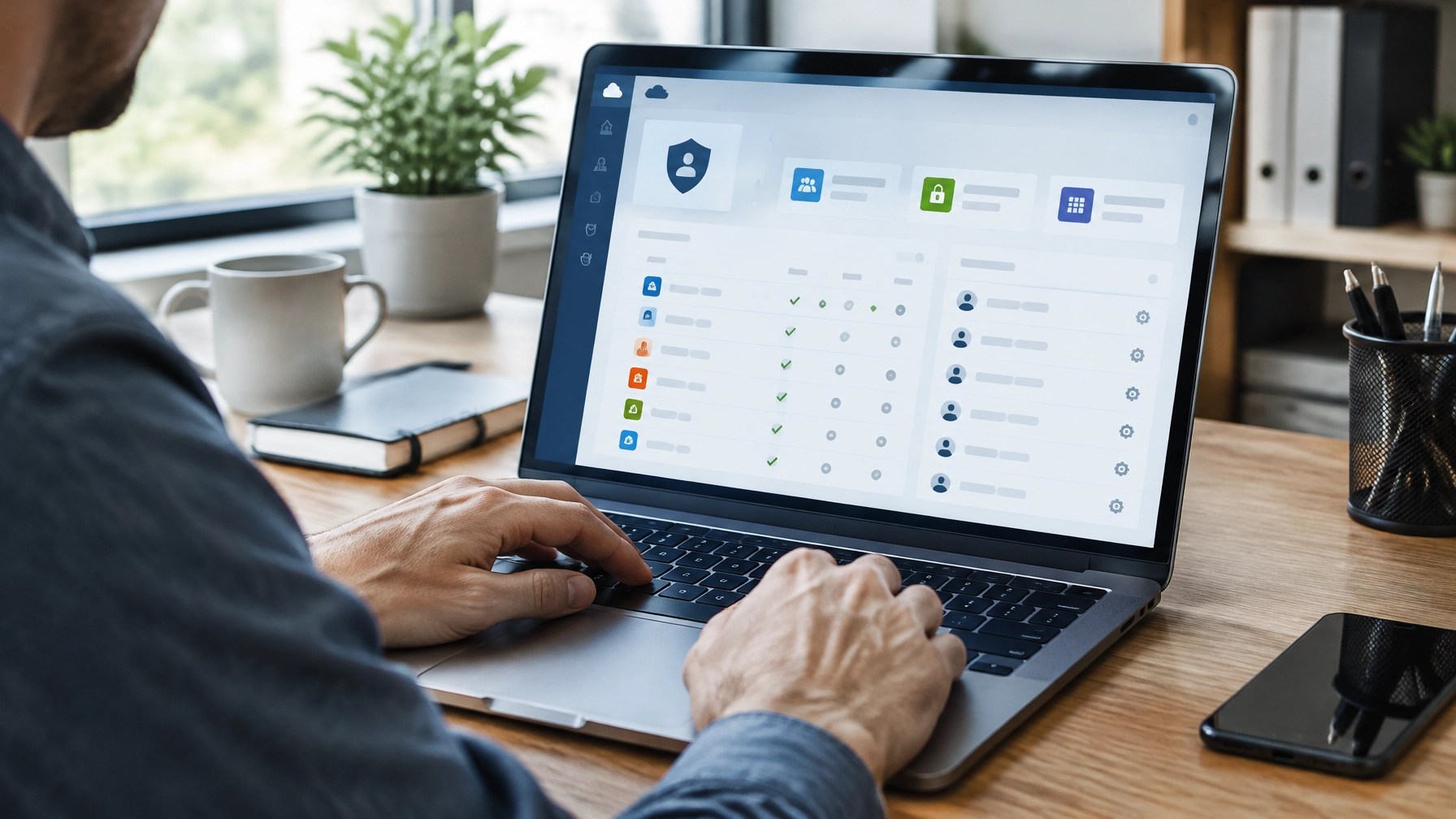
Featured Image ALT Text: Small-business IT administrator reviewing cloud application access and security activity on a computer.
A backup service needs permission to reach the information it protects. For Microsoft 365, that can include email, files, Teams content, and directory data. That access is useful for recovery, but it also means the service’s application identity is part of the customer’s security perimeter.
In October 2026, attackers used legitimate application credentials associated with ConnectWise Cloud Backup, formerly SkyKick, to attempt sign-ins to customer Microsoft 365 tenants. The incident did not mean every connected business was compromised, and a successful sign-in alone does not prove that data was accessed or taken. But it did expose an important reality for small businesses in Lexington, Georgetown, and across Central Kentucky: strong user passwords and MFA are not the whole story when software applications can access your tenant directly.
Here are five practical lessons for reviewing your own Microsoft 365 security and ransomware protection in Kentucky.
What happened in the ConnectWise Cloud Backup incident?
Microsoft reported on October 21 that China-aligned threat actor Storm-0940 used an open-source, agentic AI penetration-testing framework called ARTEX during a supply-chain compromise. The attackers obtained application credentials belonging to ConnectWise Cloud Backup, a service partners use to back up Microsoft 365 tenants.
With those credentials, attackers could attempt to authenticate as the trusted application, not as a human user. Microsoft said the campaign attempted sign-ins to roughly 2,250 tenants, at a pace of about 3,000 attempts per minute. These app-based sign-ins did not require a user password or prompt for user MFA. Microsoft also reported that attackers reached privileged cloud access in some environments in under three hours.
ConnectWise disabled seven affected application identities on October 17 and suspended Cloud Backup. Its CTO described the action to CRN as throwing a “big kill switch.” More than 2,300 partners were affected by the service interruption. That number does not mean 2,300 partners’ customers were compromised: ConnectWise said it could not see exactly how many downstream tenants had unauthorized activity because the application connected directly to Microsoft customer tenants.
As of October 29, ConnectWise was restoring service in phases using a new, security-hardened application. Partners were instructed to reset passwords, set up MFA, and re-authorize tenants through the new app. Do not re-enable previously disabled applications unless ConnectWise specifically instructs you to.
Lesson 1: Your vendor’s credentials are your credentials
An enterprise application or service principal is a non-human identity that software uses to access another system. When a business approves an application, it grants that identity specific permissions in its Microsoft Entra ID tenant.
If an attacker steals the application’s credentials, they may be able to use its existing permissions. In practical terms, a vendor application trusted to read or restore mail and files can become a route to those same resources.
For Lexington and Central Kentucky businesses:
- Inventory applications under Microsoft Entra admin center → Enterprise applications.
- Record each app’s purpose, business owner, permissions, and whether it is still needed.
- Review service-principal sign-ins and application audit events, not only employee sign-ins.
- Match applications by Application ID, not just display name. Names can be similar or changed.
- Preserve relevant logs before changing or removing an application during an investigation.
A familiar vendor name is not a substitute for checking what access the integration has and whether it is still required.
Lesson 2: MFA doesn’t cover every kind of access
MFA is essential for protecting user accounts. But this incident involved app-only authentication: software presented an application credential and received access without a person entering a password or responding to an MFA prompt.
That distinction matters. Enabling MFA for staff does not automatically secure every service principal or OAuth connection.
Review OAuth permissions and consent grants in Entra. Ask which applications have permission to access mail, files, or directory information, whether those permissions are broader than needed, and who approved them. Also review unexpected app registrations, new application credentials, and role assignments.
Microsoft recommends examining service-principal sign-ins alongside later Microsoft Graph activity and directory changes. Where available, workload identity protections and monitoring can provide additional controls, but they do not replace application review or least-privilege permissions.
For a broader look at common Microsoft 365 configuration risks, see IT-Necessity’s Microsoft 365 security mistakes guide.
Lesson 3: AI tools have compressed attack timelines
ARTEX is an open-source, multi-agent framework that can automate offensive testing workflows, from reconnaissance through attempted data exfiltration, with limited human involvement. The lesson is not that every AI tool is malicious. It is that automation can help attackers run many steps quickly and simultaneously.
Microsoft said some Storm-0940 operations reached privileged access in under three hours. That makes it risky to assume a business has several days to notice an alert and respond. For a small medical office in Georgetown or professional firm in Lexington, the practical response is not to buy every new security product. It is to ensure that important alerts are monitored, assigned to a responsible person, and acted on promptly.
The July IT-Necessity article, “When Your IT Tool Becomes the Hack,” discusses a related security principle: legitimate tools can be abused, so monitoring behavior and access matters alongside trusting a product’s name.

Lesson 4: Supply-chain risk is not hypothetical
A cloud vendor’s application can become an implicit part of your security perimeter when your organization grants it access. That trust may be necessary for a service to work, but it should be visible, documented, and reviewed.
For businesses in Frankfort, Paris, and Central Kentucky, vendor reviews should include more than questions about uptime. Consider asking:
- What data and systems can the application access?
- Does it need read, write, or administrator-level permissions?
- How does the vendor detect and report suspicious application use?
- How are credentials rotated, and how quickly can access be revoked?
- What happens to customer backups and recovery points during a service interruption?
- What actions must our organization take if the vendor suspends or restores service?
The ConnectWise outage also highlights a basic continuity question: Can your organization recover if a backup service is temporarily unavailable? Know where your recovery points are, how to verify a successful backup, and who decides on a temporary alternative.
Lesson 5: After a vendor breach, check your tenant yourself
Disabling a vendor’s application can stop new authentication through that connection. It does not automatically undo changes that may already have been made inside a customer tenant. Microsoft and ConnectWise advised customers to review their individual environments; ConnectWise’s restoration of its service did not replace that work.
An authorized administrator or incident-response professional should review, as appropriate:
- Entra ID application credentials: new secrets, certificates, or federated credentials.
- Permissions and consent: new OAuth grants, app-role assignments, owners, or privileged roles.
- Service-principal sign-ins: unusual sources, timing, or activity that does not match expected vendor behavior.
- Exchange settings: hidden inbox rules, forwarding rules, transport rules, and delegated mailbox access.
- User and group changes: unexpected accounts, role changes, or altered authentication settings.
- Available Microsoft 365 audit records: unusual mailbox, SharePoint, OneDrive, or Teams activity.
Preserve logs and evidence, and work with qualified IT staff before making changes that could disrupt business operations. A clean search in one log is not proof that no activity occurred, especially when logging coverage and retention vary.
Practical takeaway checklist
If your business uses Microsoft 365 and a cloud backup integration:
- Identify the app by its Application ID and confirm whether it is still authorized.
- Review permissions, owners, credentials, and service-principal sign-ins.
- Check Entra and Microsoft 365 audit records for unexpected changes.
- Inspect mail rules, forwarding, delegation, and app consent, not only user passwords.
- Follow current vendor restoration instructions; don’t reconnect an old app unless directed.
- After reconnection, verify that new backup snapshots complete successfully.
This checklist is a starting point, not a forensic determination. Businesses handling EMR/EHR data or other sensitive information should involve appropriate security and compliance expertise.
Authority and source notes
This summary is based on published reporting and advisories available in late October 2026. Sources include Microsoft’s October 21 threat-intelligence report, Huntress’s October 16 investigation, the ConnectWise Trust Center advisories, CRN’s October 29 interview with ConnectWise’s CTO, and SecurityWeek’s October 23 coverage.
The reporting distinguishes attempted sign-ins, successful authentication, follow-on activity, and confirmed data access. Those are not interchangeable findings. Microsoft said the presence of an affected application or a successful authentication does not by itself prove that customer data was accessed or exfiltrated.
FAQ
Does this mean every ConnectWise Cloud Backup customer was compromised?
No. The campaign attempted access to many tenants, and Microsoft observed follow-on activity in some environments. Affected use of an application or a successful sign-in is not, on its own, proof of data theft. Each tenant needs to be assessed based on its own records.
If we have MFA, are we protected from this type of access?
MFA protects interactive user sign-ins, but app-only authentication can use an application credential without a user password or MFA prompt. MFA remains important; it simply does not cover every application identity.
Will restoring the backup service remove changes made in Microsoft 365?
No. Service restoration does not automatically remove tenant-side changes such as added application credentials, consent grants, roles, forwarding rules, or mailbox delegation. Those need a separate review.
What should we do before reconnecting the backup service?
Follow the current ConnectWise Trust Center guidance. As of October 29, partners were directed to reset passwords, set up MFA, re-authorize through the new security-hardened application, and verify that new backups complete. Do not re-enable previously disabled applications unless instructed.
Next step
If you manage Microsoft 365 in Lexington, Georgetown, Frankfort, Paris, or elsewhere in Central Kentucky, set aside time to review your organization’s third-party applications and recovery plan. A documented inventory and a clear response process can make a complicated issue easier to manage.
IT-Necessity is a veteran-owned managed IT and cybersecurity provider based in Georgetown, Kentucky. For businesses that want help understanding their Microsoft 365 application access and backup procedures, a no-pressure conversation can help clarify what to review next.
About the Author
Jon Francioni is the owner of IT-Necessity, a veteran-owned managed IT services and low-voltage technology company serving Lexington, Georgetown, Frankfort, Paris, and Central Kentucky.
Categories: Cybersecurity, Microsoft 365, Backup & Disaster Recovery
Tags: ConnectWise Cloud Backup, SkyKick, Microsoft Entra ID, OAuth, service principals, ransomware protection Kentucky, cybersecurity for small business Kentucky, Lexington cybersecurity, Central Kentucky IT
Leave a Reply